
ARK Data Extractor
The tool behind the DodoReaper wiki. It reads ARK's own game files and turns them into clean data and images: every creature, item, engram, loot table and spawn.
How it works
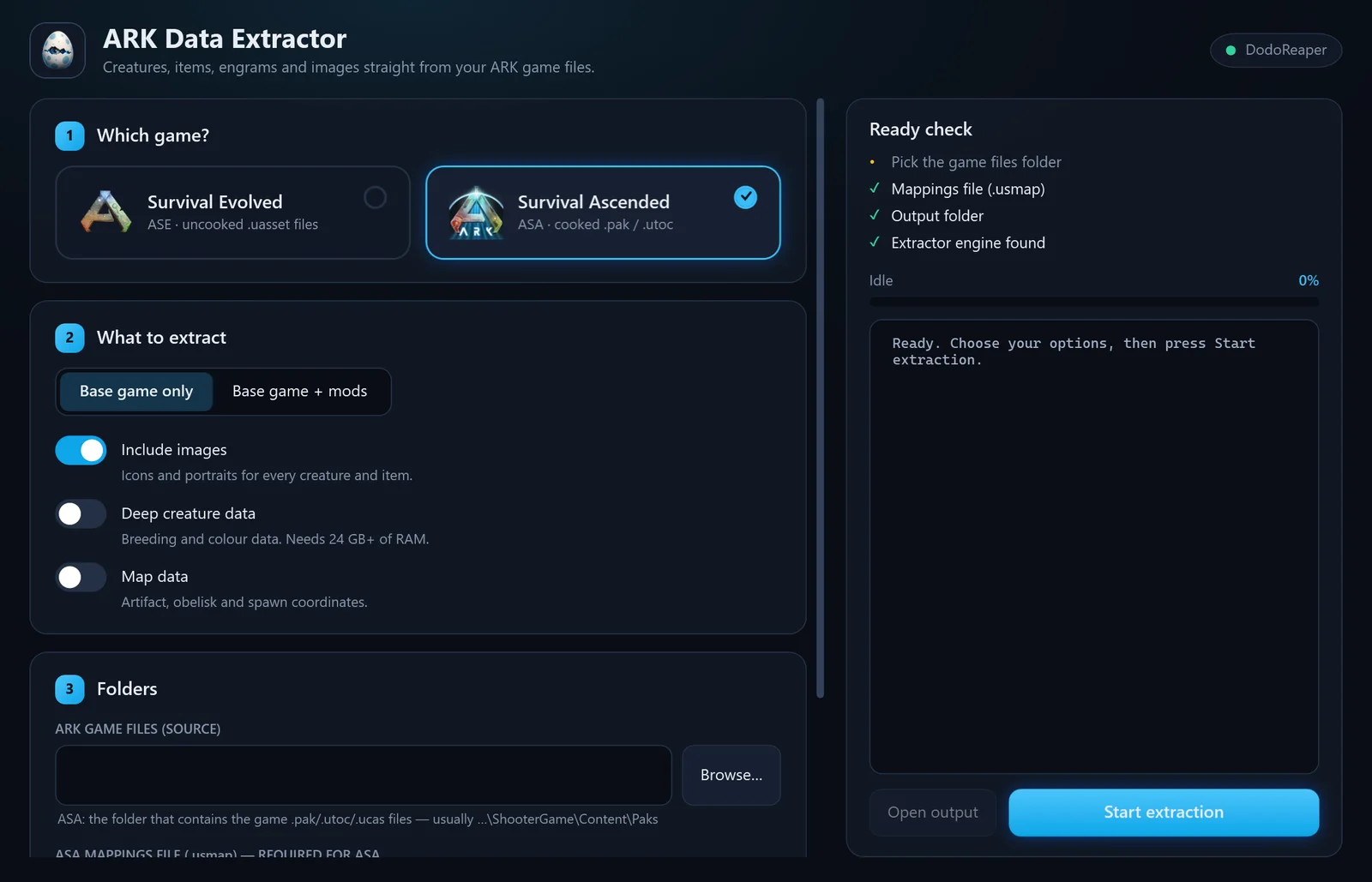
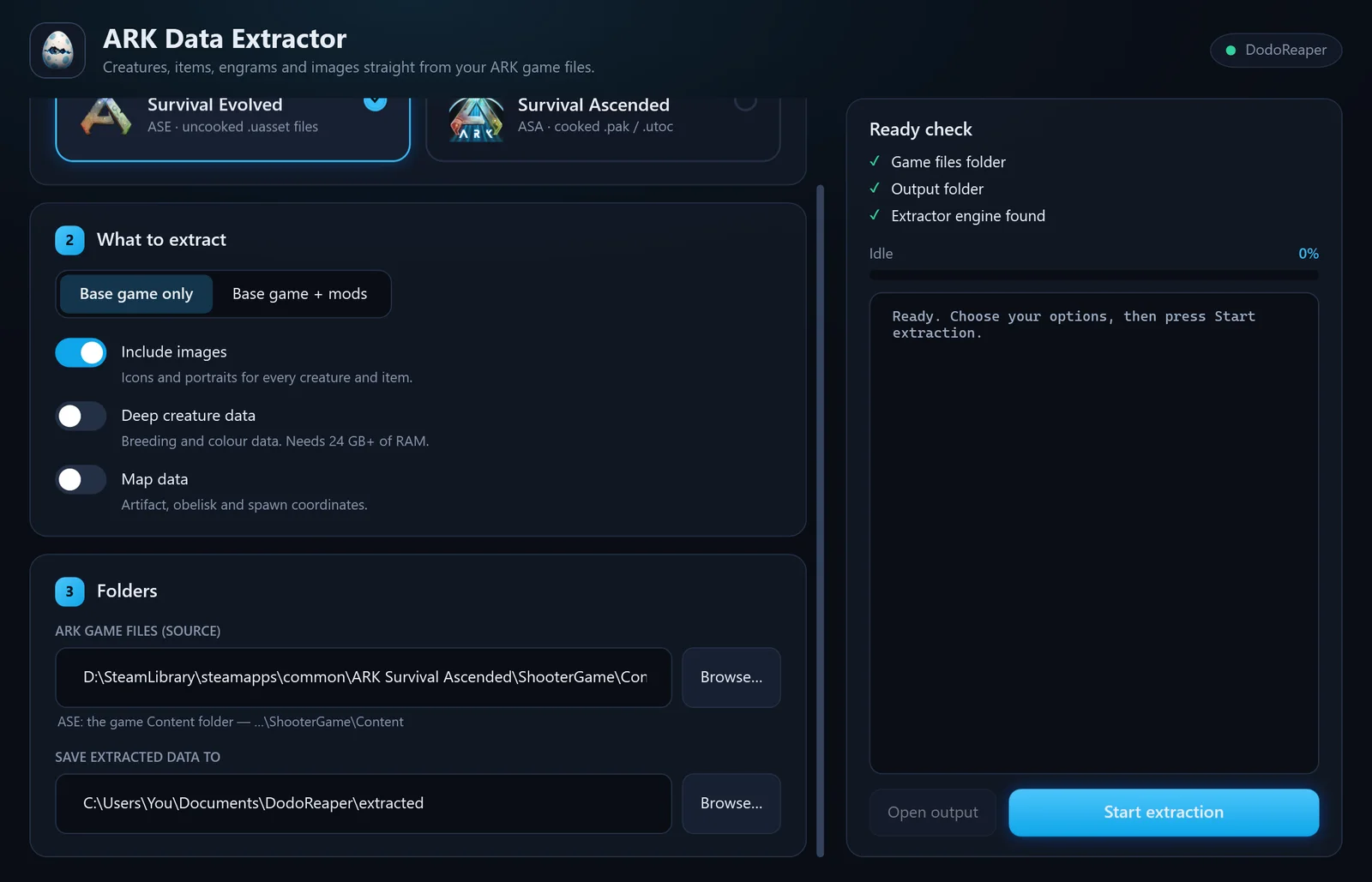
Pick the game
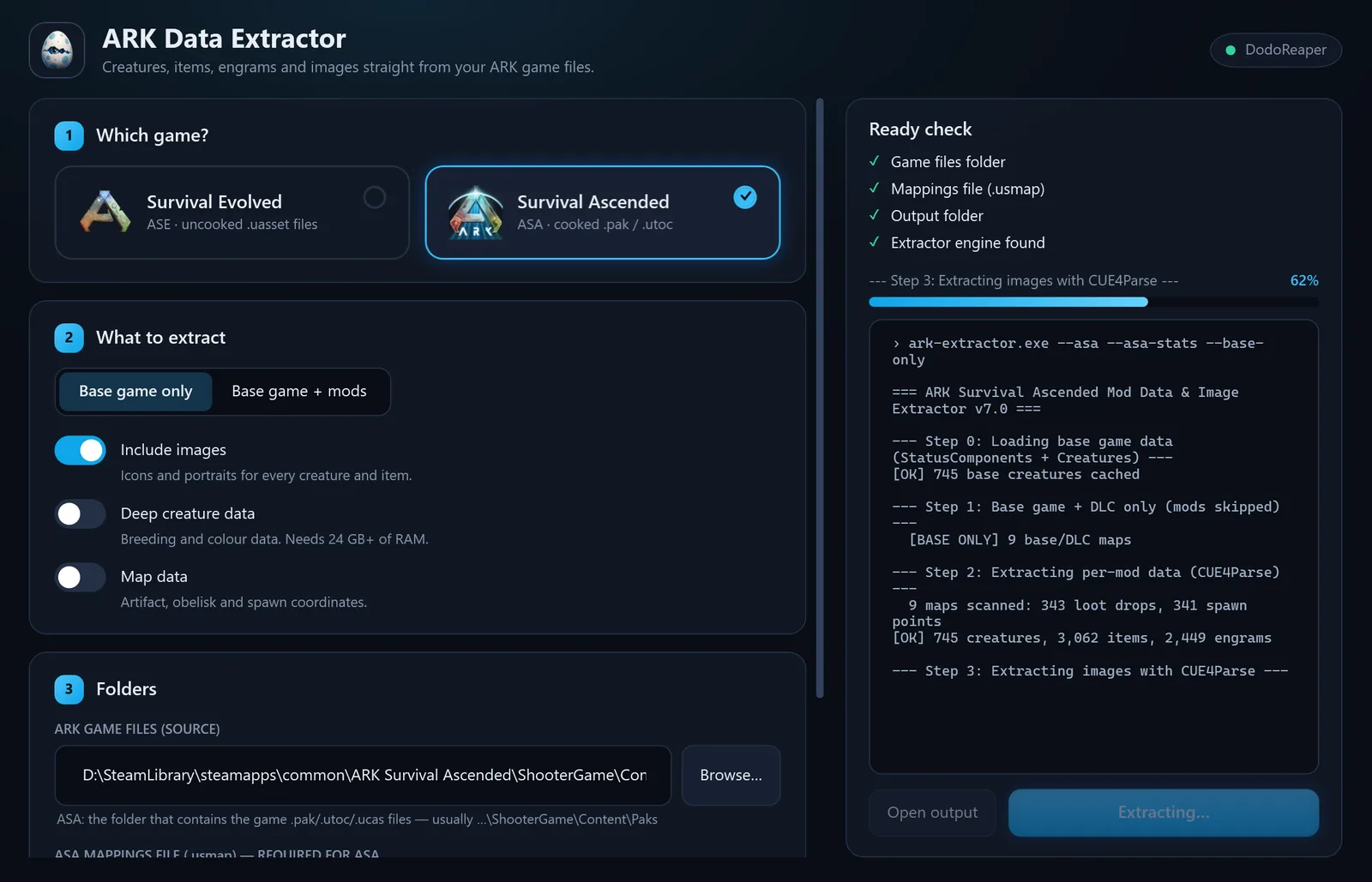
Survival Evolved or Survival Ascended. One tool reads both: the uncooked .uasset content of ASE and the cooked .pak / .utoc / .ucas archives of ASA.
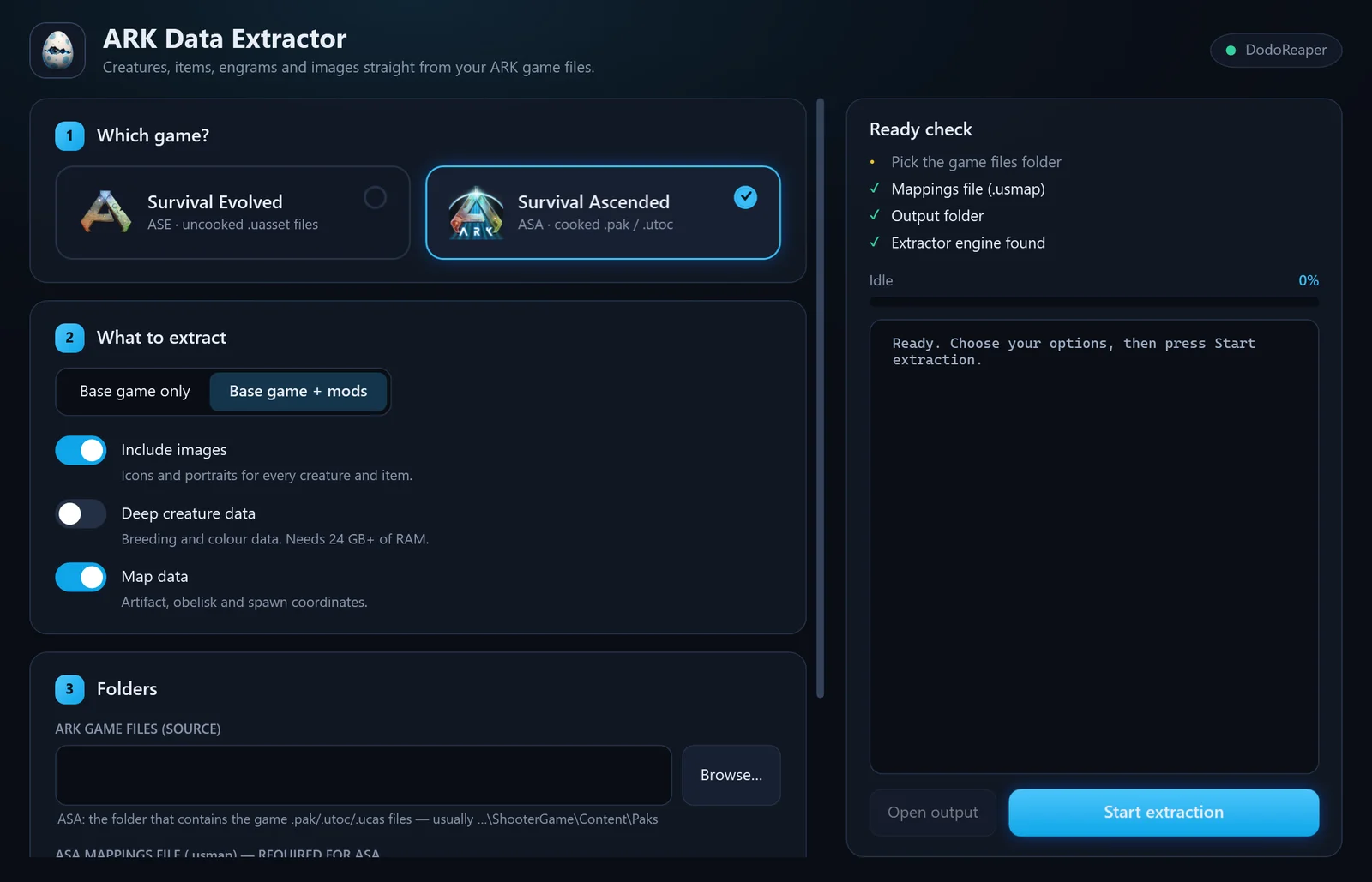
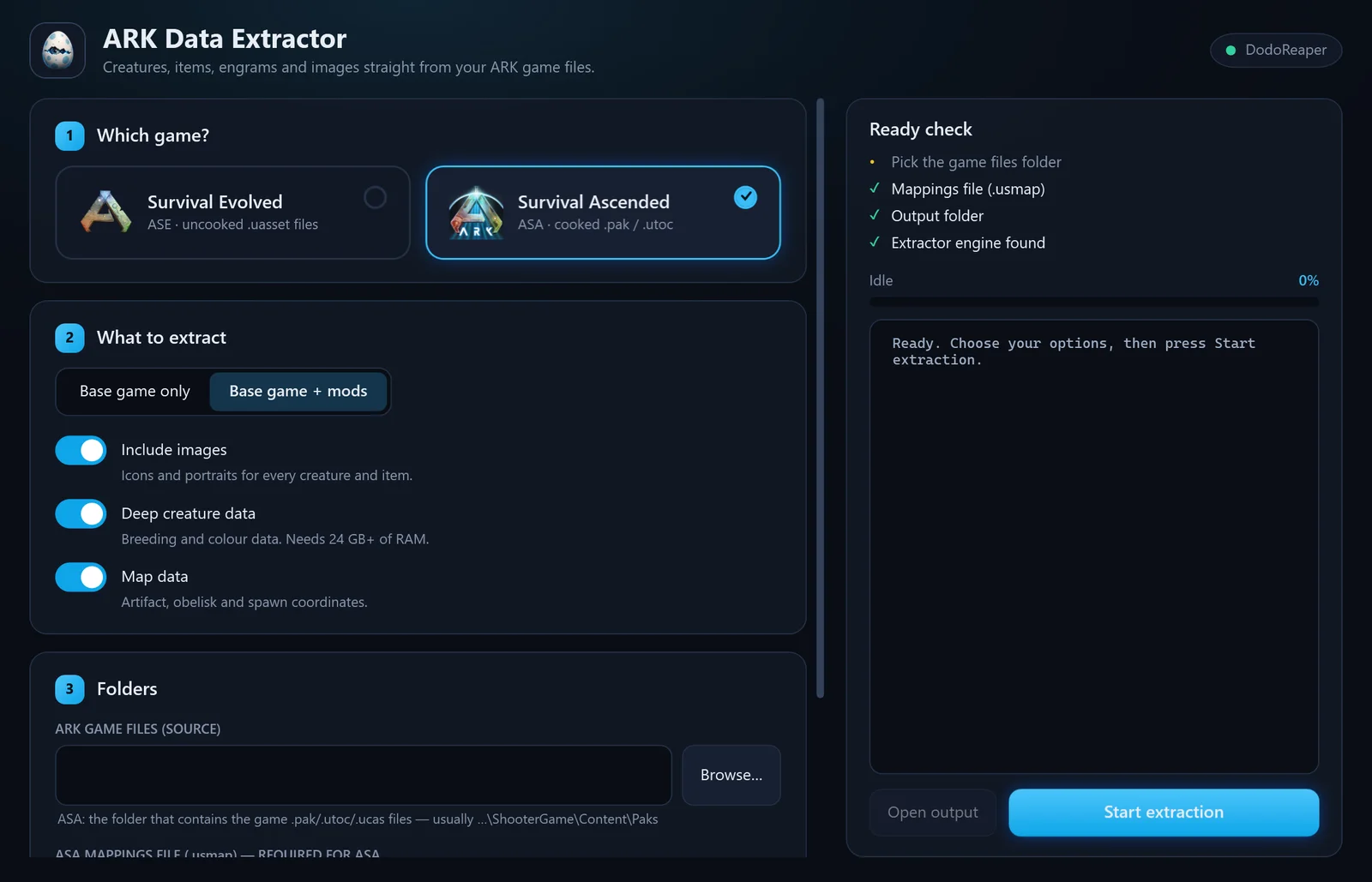
Choose what to pull
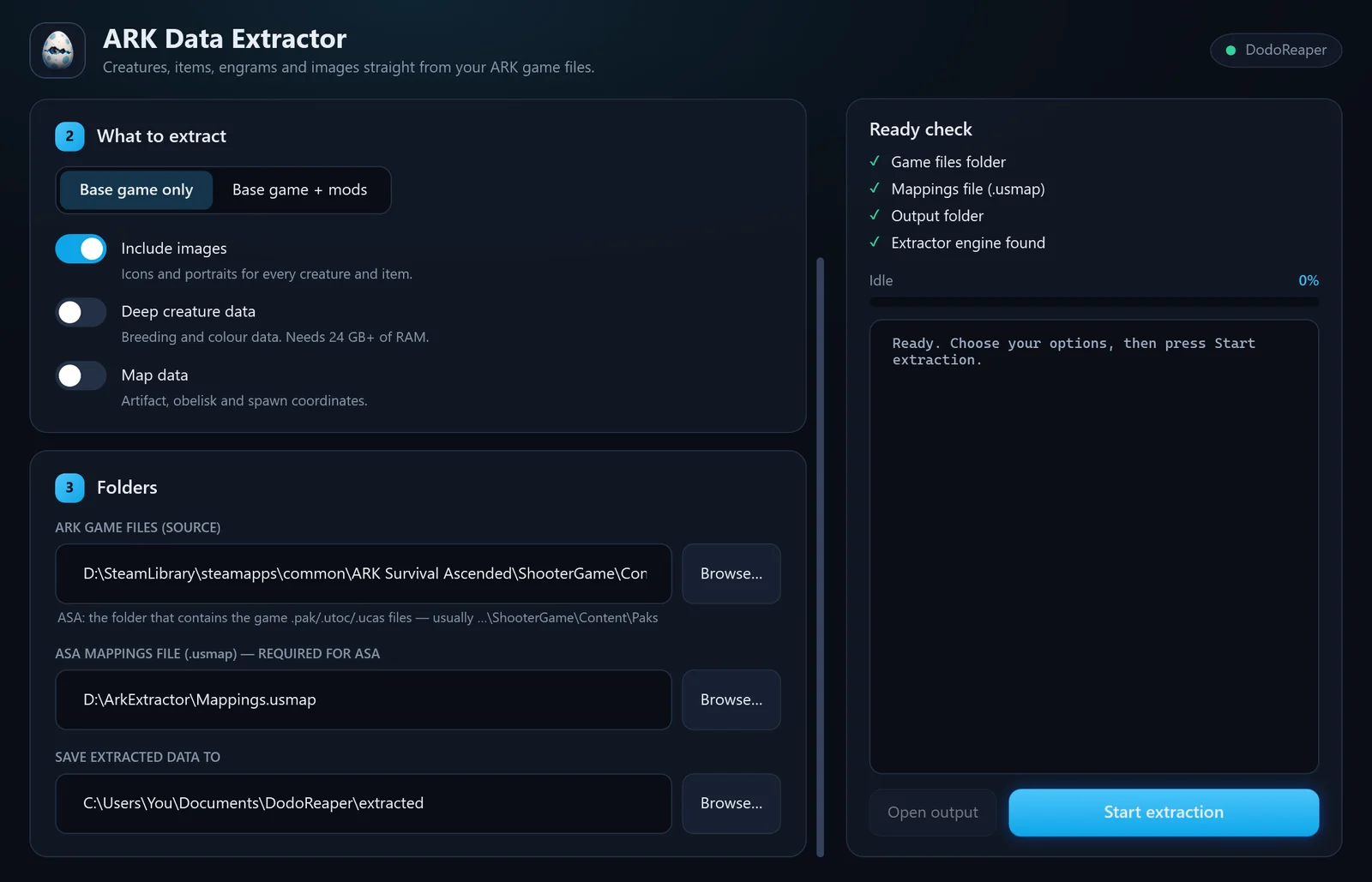
The base game alone, or the base game with mods. Add icons and portraits, deep breeding and colour data, or map coordinates.
Point it at the files
Select the game folder (and, for ASA, the .usmap mappings file). A live ready check turns green when everything is in place.
Run it
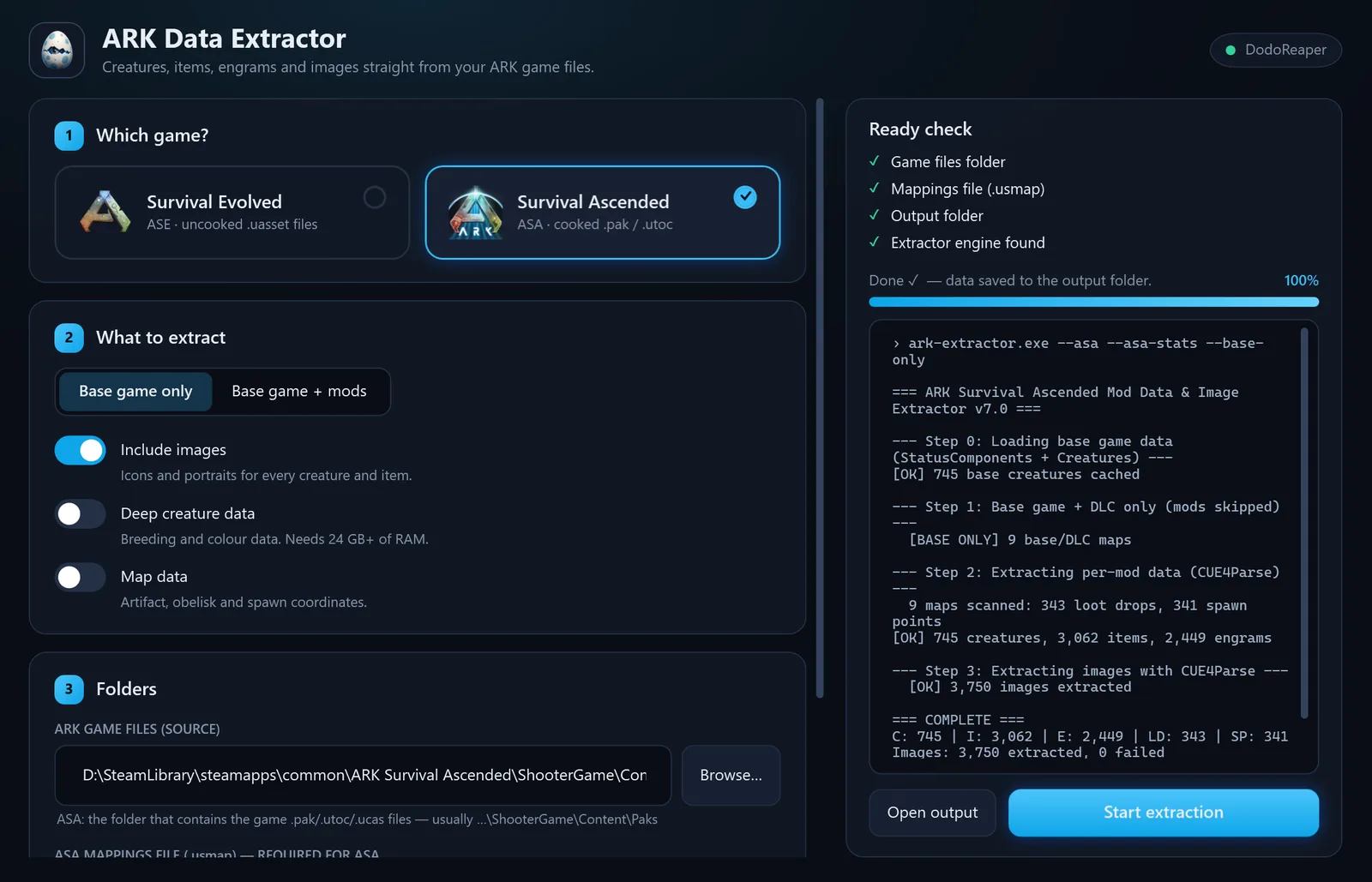
The engine walks the game’s own data the way the game does, step by step, and writes clean JSON plus every image to the folder you chose.
One window, four steps
Real screens from the app - 7 pages across its 4 stages. Pick a stage, then a page.
What it extracts
Two games, two engines
- Survival Evolved
- Reads the uncooked .uasset content with DodoReaper's ASE parser.
- Survival Ascended
- Opens the cooked .pak / .utoc / .ucas archives with CUE4Parse, decoded through a .usmap mappings file.
What it needs
- Windows 10 or 11, 64-bit
- The game installed (its files are read, never changed)
- For ASA: a .usmap mappings file
- 8 GB of RAM; 24 GB+ for deep creature data
Questions
Can I download it?
No. The Ark Extractor is DodoReaper’s in-house tool: it is how the wiki’s creature, item and engram pages are built. This page shows how it works.
Does it change my game files?
No. It only reads them. Everything it produces goes into a separate output folder.
Why does ASA need a .usmap file?
Survival Ascended is built on Unreal Engine 5 with unversioned properties. The mappings file tells the reader how each class is laid out, so the data can be decoded.
Where does the extracted data end up?
In the DodoReaper wiki: creature pages, item and engram codes, loot tables, spawn maps and the calculators all read from it.