
Tickets and voice rooms
· Discord botTickets
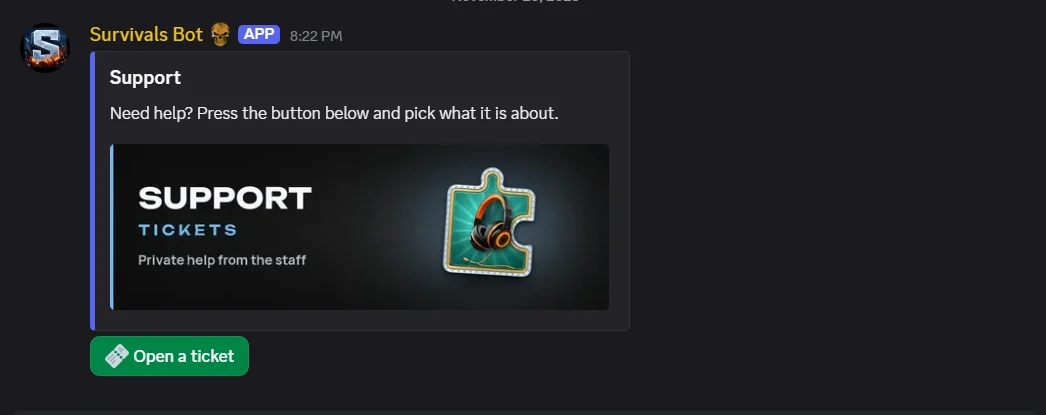
A member presses Open a ticket, picks what it is about and, if it is about a game server, which one, then answers that type's question. The ticket is a private channel that only they, your ticket staff roles and the bot can see. Inside a ticket:
/ticket addlets a member see the ticket and/ticket removetakes one out (staff)./ticket closecloses it, with an optional reason. The member can still read it but no longer write, and staff can reopen it.- Ticket buttons claim, close, reopen, save a transcript and delete.
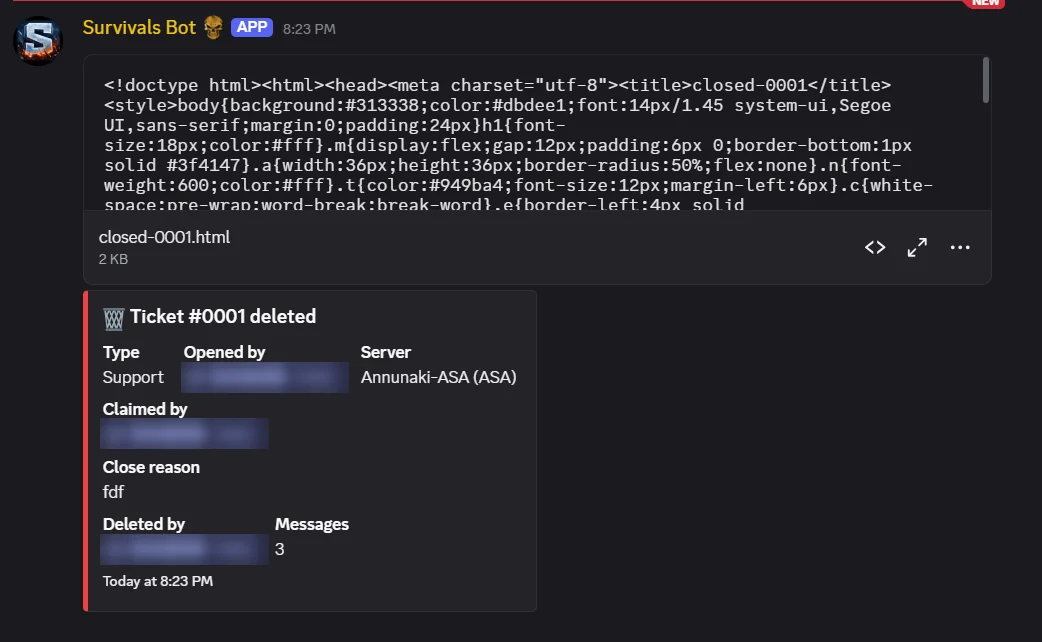
When staff delete a ticket, the bot posts its record in your ticket log channel: the type, who opened and who claimed it, the server, the close reason, who deleted it and how many messages it had, with the whole conversation attached as an HTML transcript. It can also send the transcript to the member by DM.
Where the conversation is kept
DodoReaper keeps the ticket's record (its number, type, status and who handled it), never the conversation: the transcript is made from Discord when the ticket is deleted and goes only to Discord. To include other members' messages it needs the Message Content intent turned on for your bot.
Voice rooms
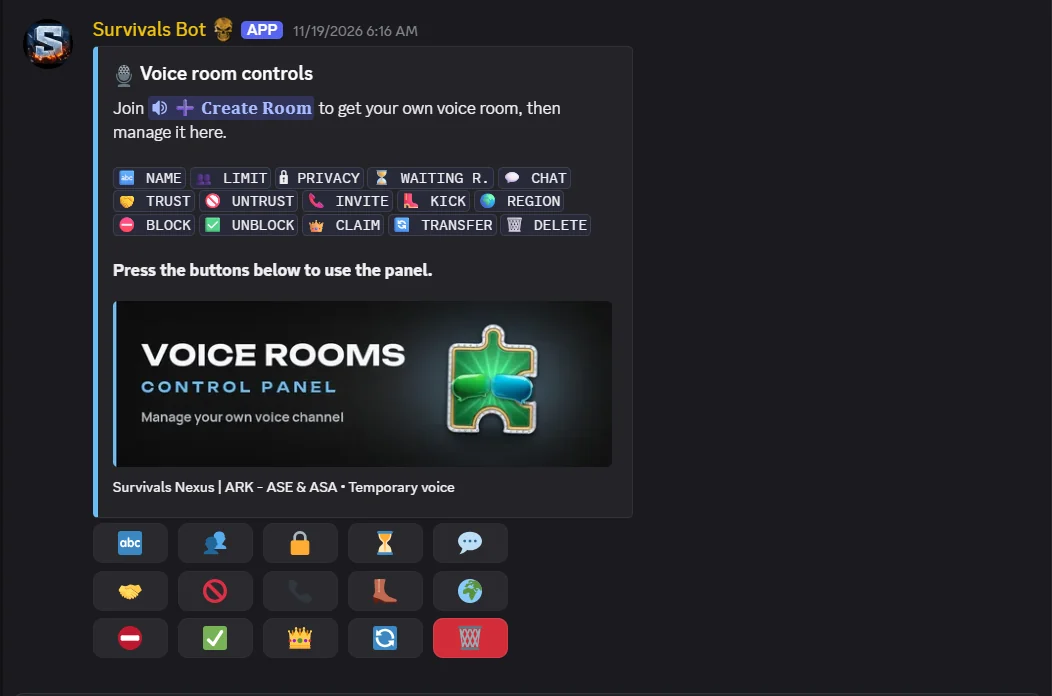
Members join your Create Room voice channel to get a room of their own, then manage it from this panel: rename, user limit, privacy (lock and unlock, hide and show), a waiting room, the room's chat, trust and untrust, invite, kick, the voice region, block and unblock, claim, transfer the room, and delete it.
- Lock: nobody new can join (trusted members still can).
- Invisible: the room is hidden from the channel list.
- Region: Automatic lets Discord pick the best one.
- Claim: take over a room whose owner has left. Join the room first.