
Settings and team
· Hosting dashboardThe Settings section holds your domain, your team, the audit log and deleting the site.
Custom Domain
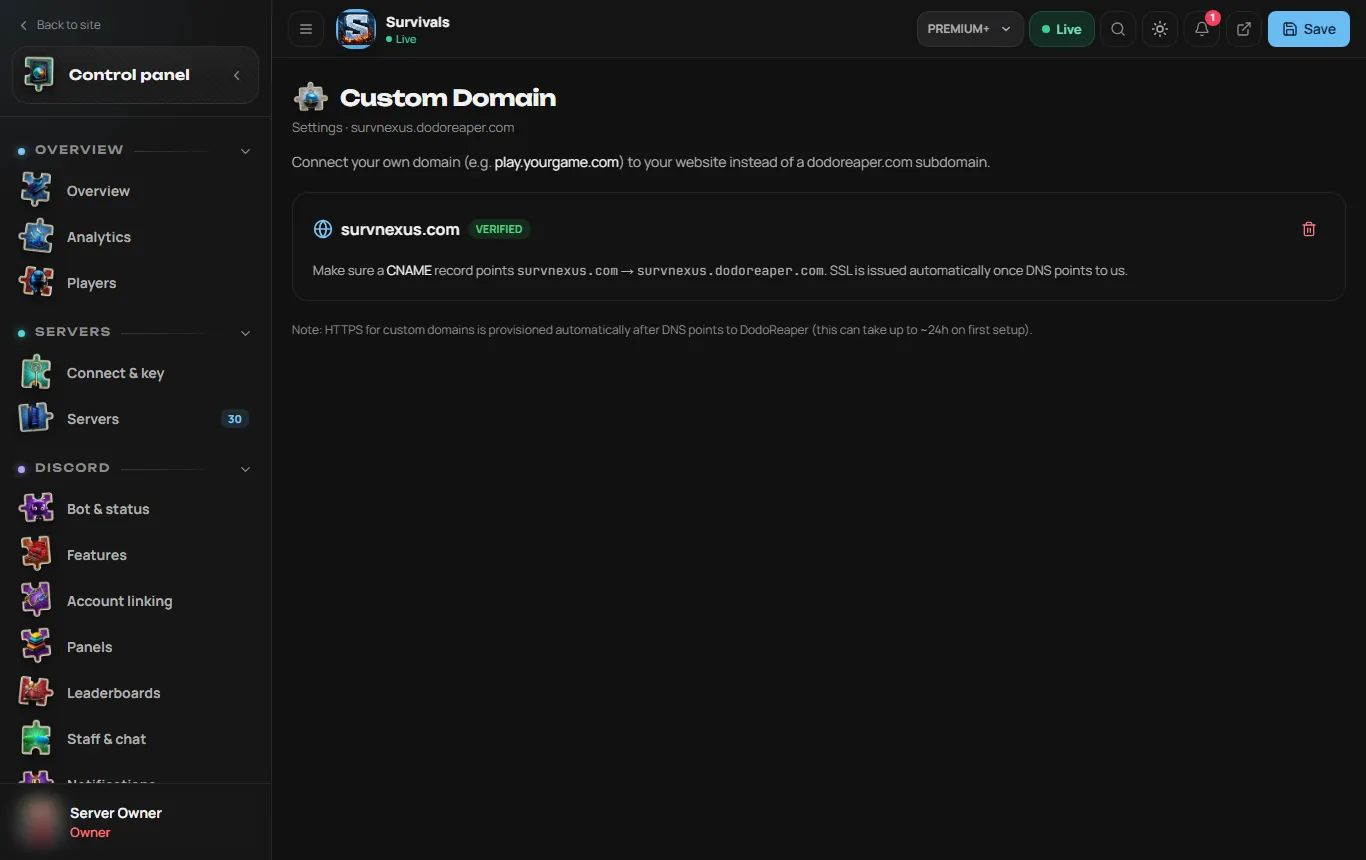
Use your own domain, for example play.yourgame.com, instead of the dodoreaper.com address. Point a CNAME record at your dodoreaper.com address; HTTPS is set up automatically once the DNS points to DodoReaper, which can take up to about a day the first time.
Team
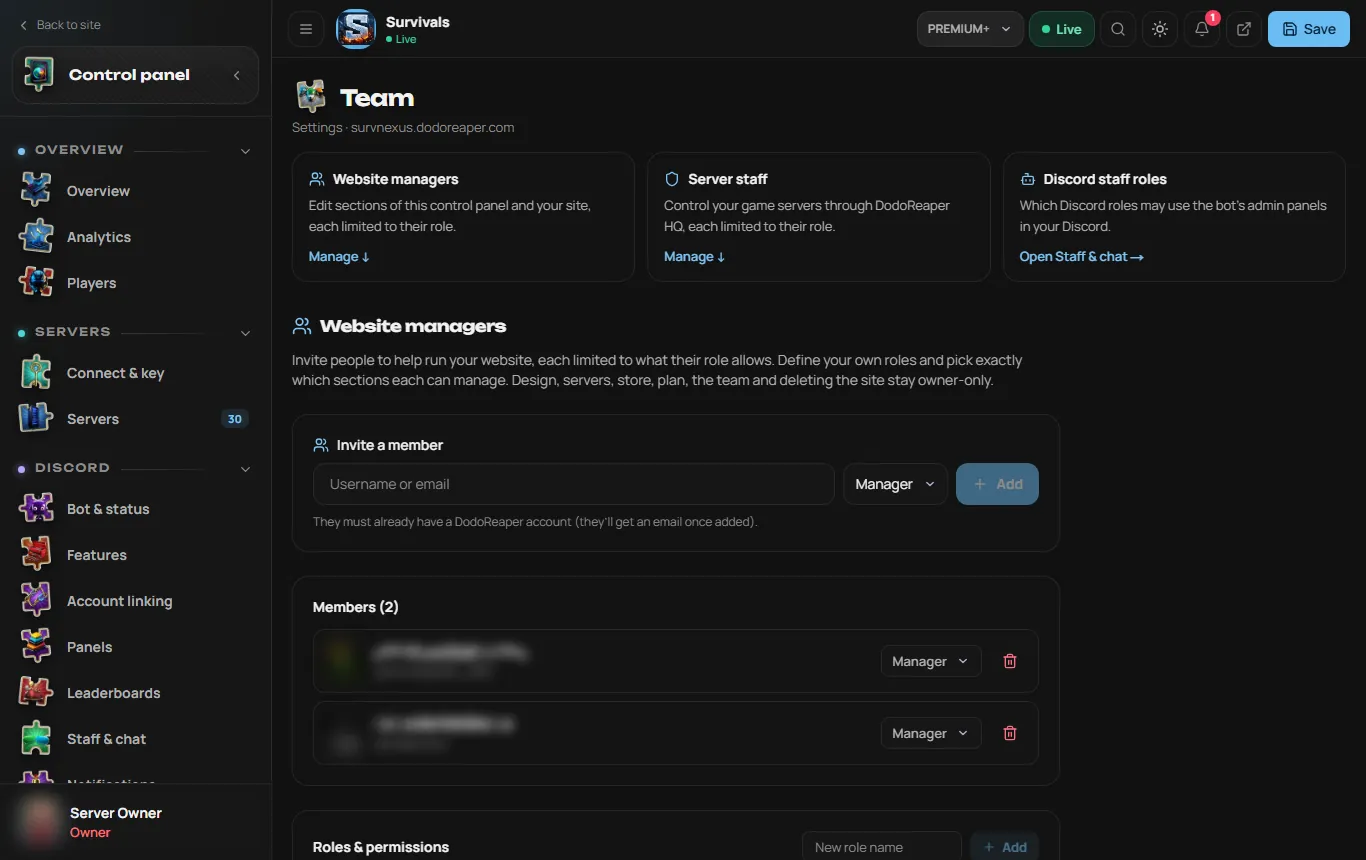
- Website managers help run your website and this panel, each limited to their role. Invite a member by username or email with a role; the presets are Manager and Editor, and Roles & permissions lets you make your own and pick which sections each may manage. Design, servers, store, plan, the team and deleting the site stay with the owner. A member needs a DodoReaper account and gets an email when added.
- Server staff control your game servers from DodoReaper HQ, each limited to their role (Supervisor, Admin, Server Owner, or roles of your own). They sign in with Google, so no key is shared, and the limits are enforced on the server side. Manage changes a member's role and servers, and Suspend stops them. Controller mode is a paid-plan feature.
- Discord staff roles are set on Staff & chat.
Audit Log
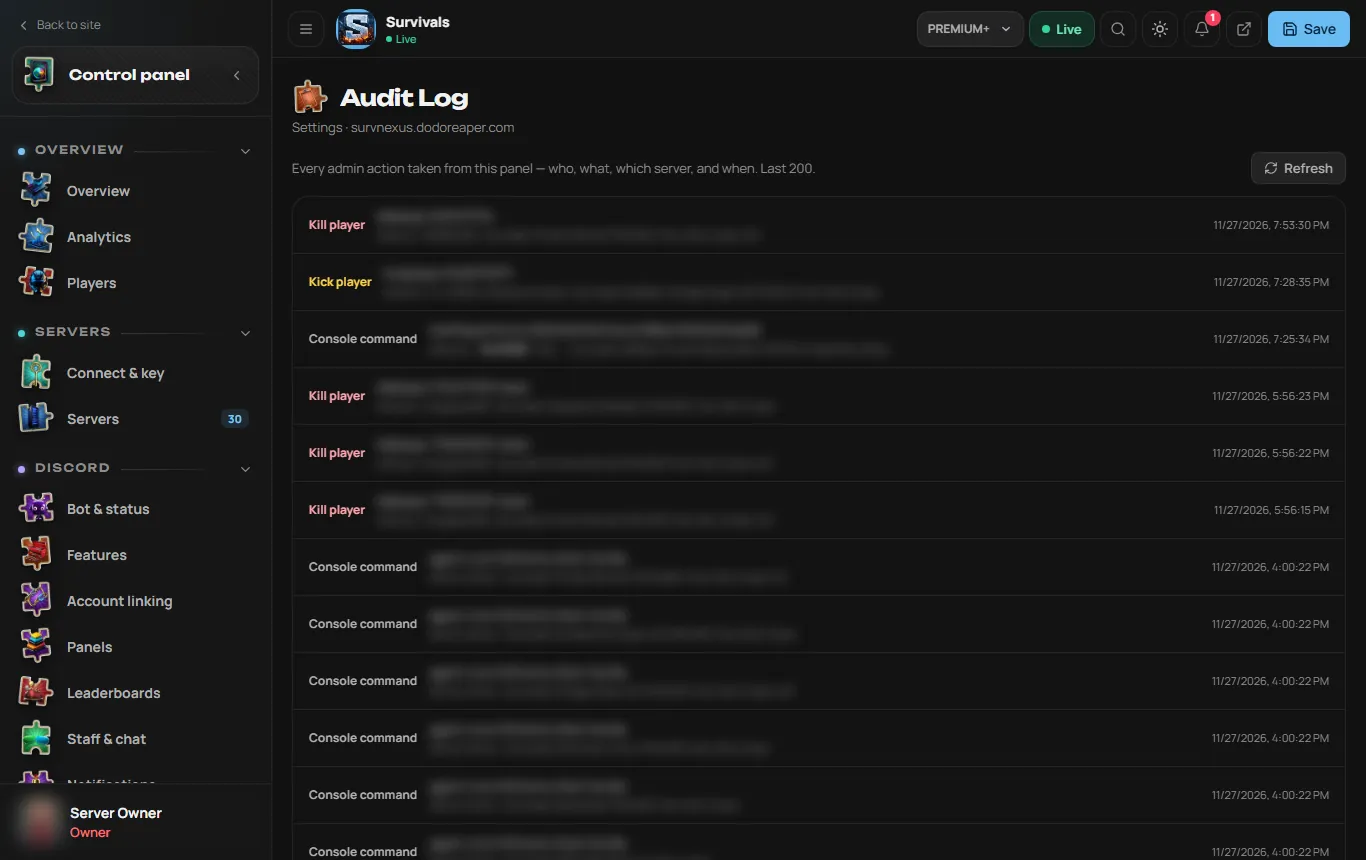
Every admin action taken from this panel and from Discord: what was done, the command, who did it, on which server and when. The last 200 are listed; Refresh reads them again. HQ shows the same log on its Audit Log page.
Danger Zone
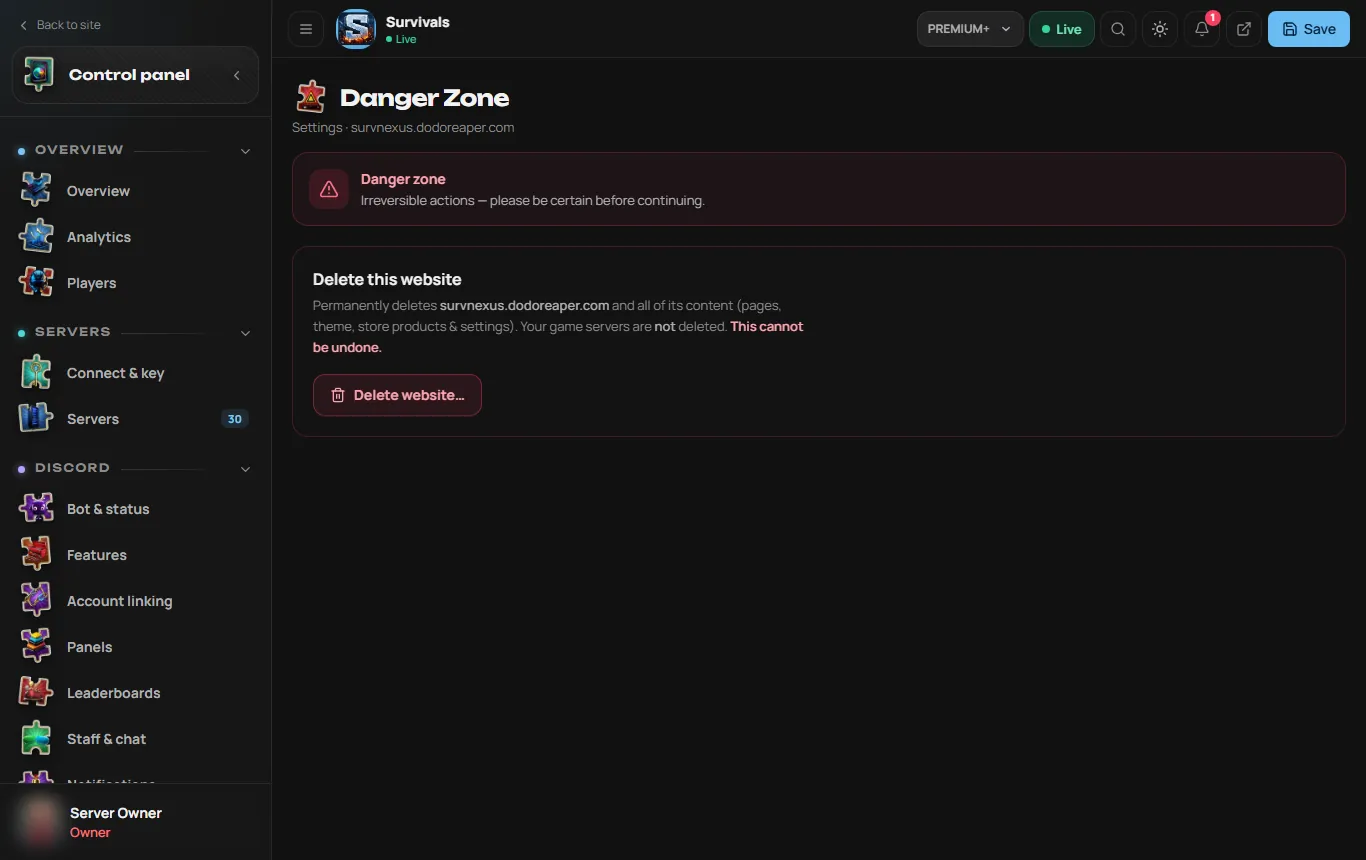
Delete website permanently deletes your site and all its content: pages, theme, store products and settings. Your game servers are not deleted. It cannot be undone.