
Servers
· DodoReaper HQThe Servers group has one page per server. The column on the left lists every server HQ found, grouped by cluster, with a green dot for the ones online.
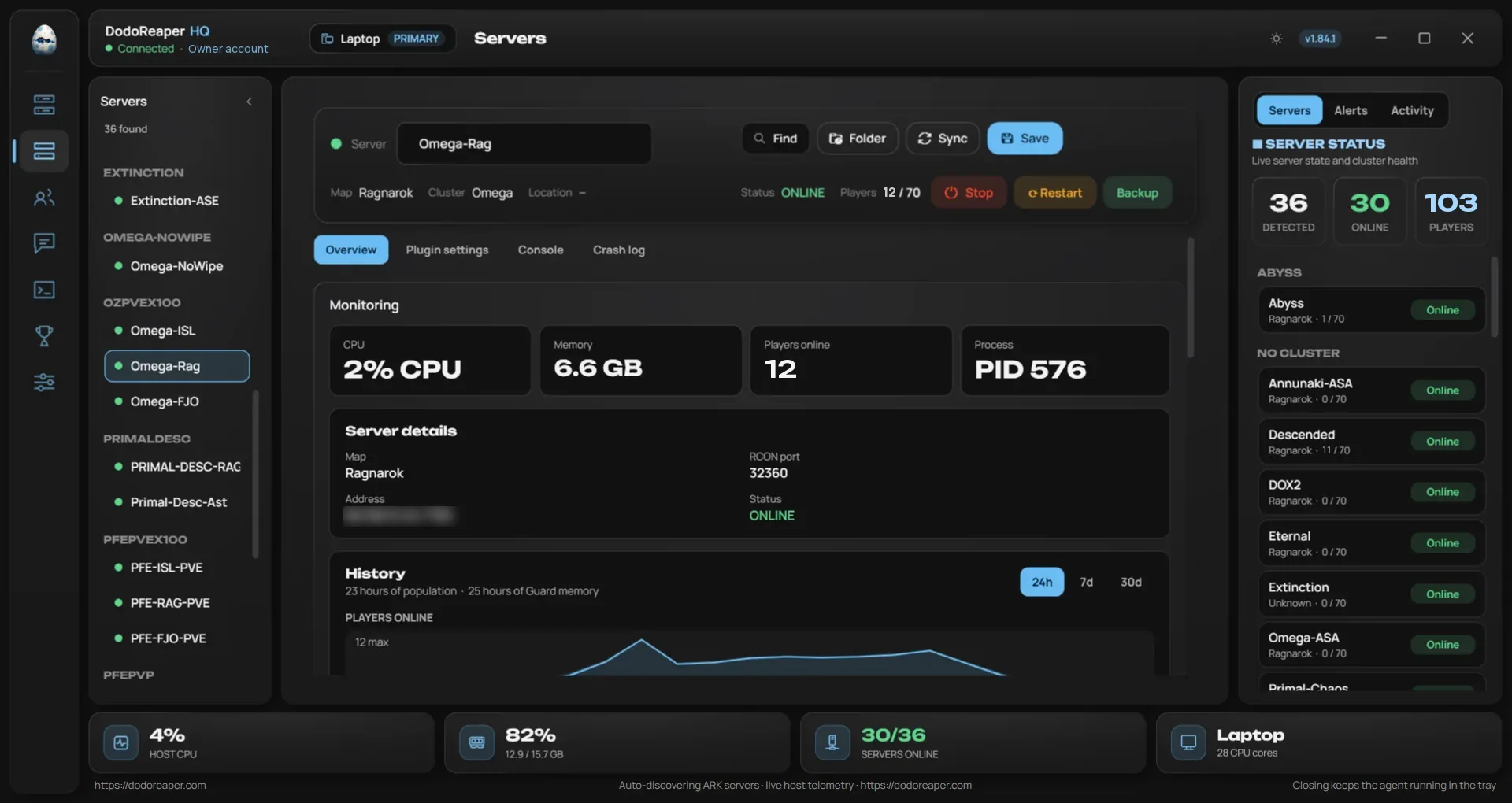
The top of every server page
- Find looks for a server by name, Folder opens its folder, Sync reads it again from disk, and Save keeps your changes.
- The map, the cluster, the status and the players online.
- Stop, Restart and Backup. Backup runs SaveWorld now; nobody is disconnected.
Overview
- Monitoring: the server's processor and memory use, the players online and its process id.
- Server details: the map, the RCON port, the address and the status.
- History: players online and the memory Guard measured, over 24 hours, 7 days or 30 days.
Plugin settings
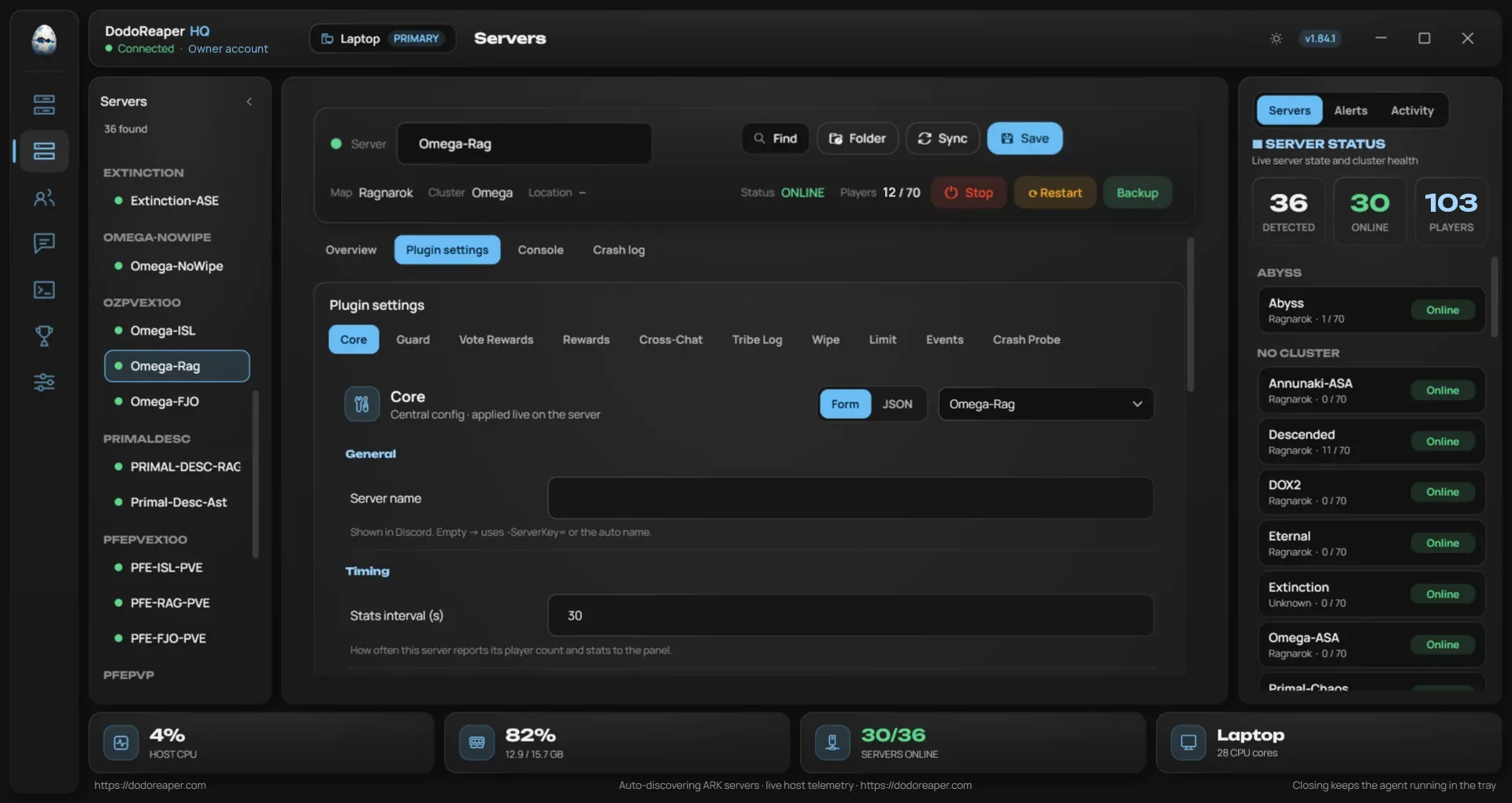
One tab per plugin installed on this server. Form shows the common settings, each with its own control and its explanation, and JSON shows the whole file. The list on the right picks the server. See Editing plugin settings.
Console
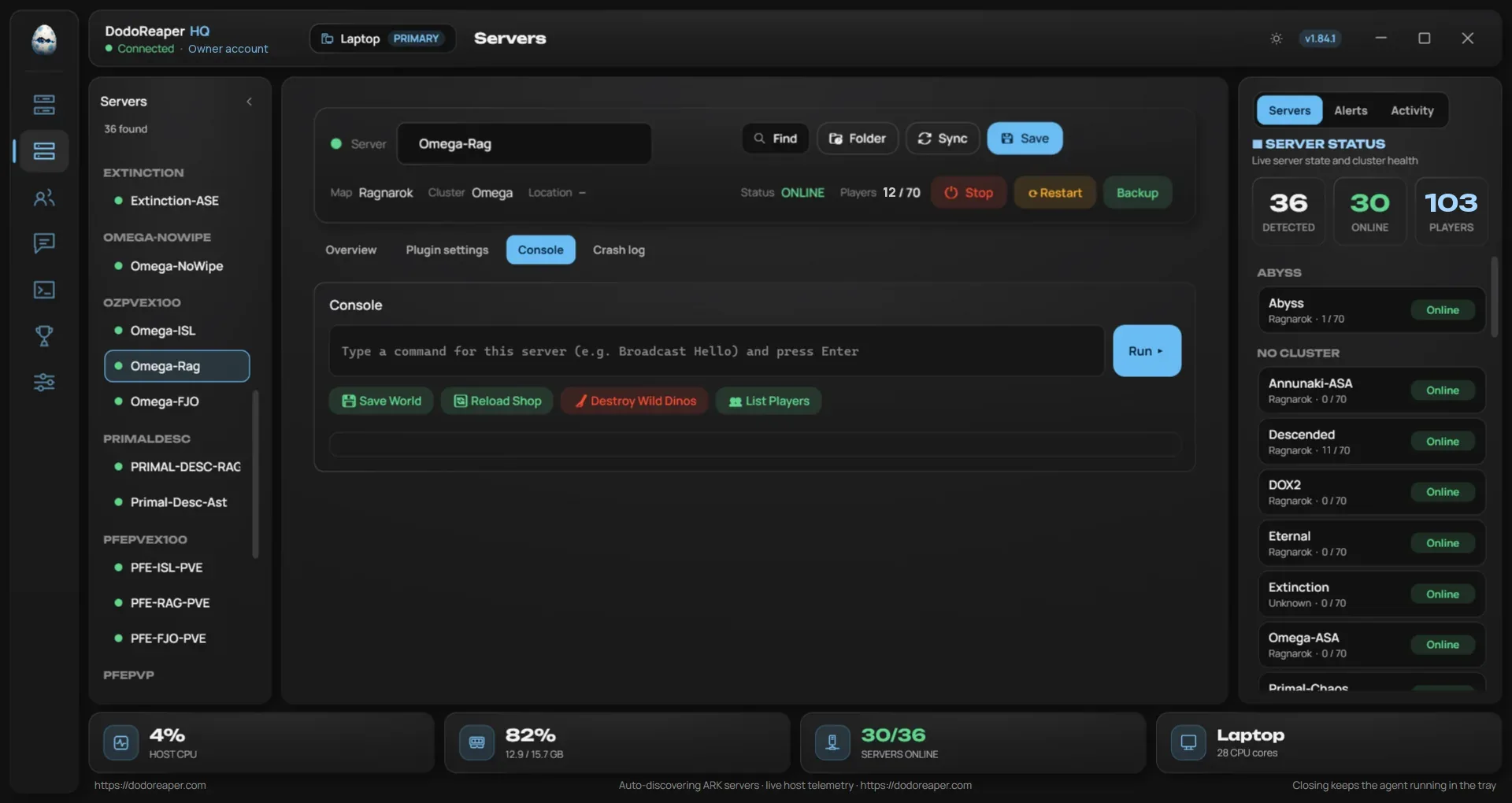
Run a command on this one server and press Run. The buttons under it run the common ones at once: Save World, Reload Shop, Destroy Wild Dinos and List Players.
Crash log
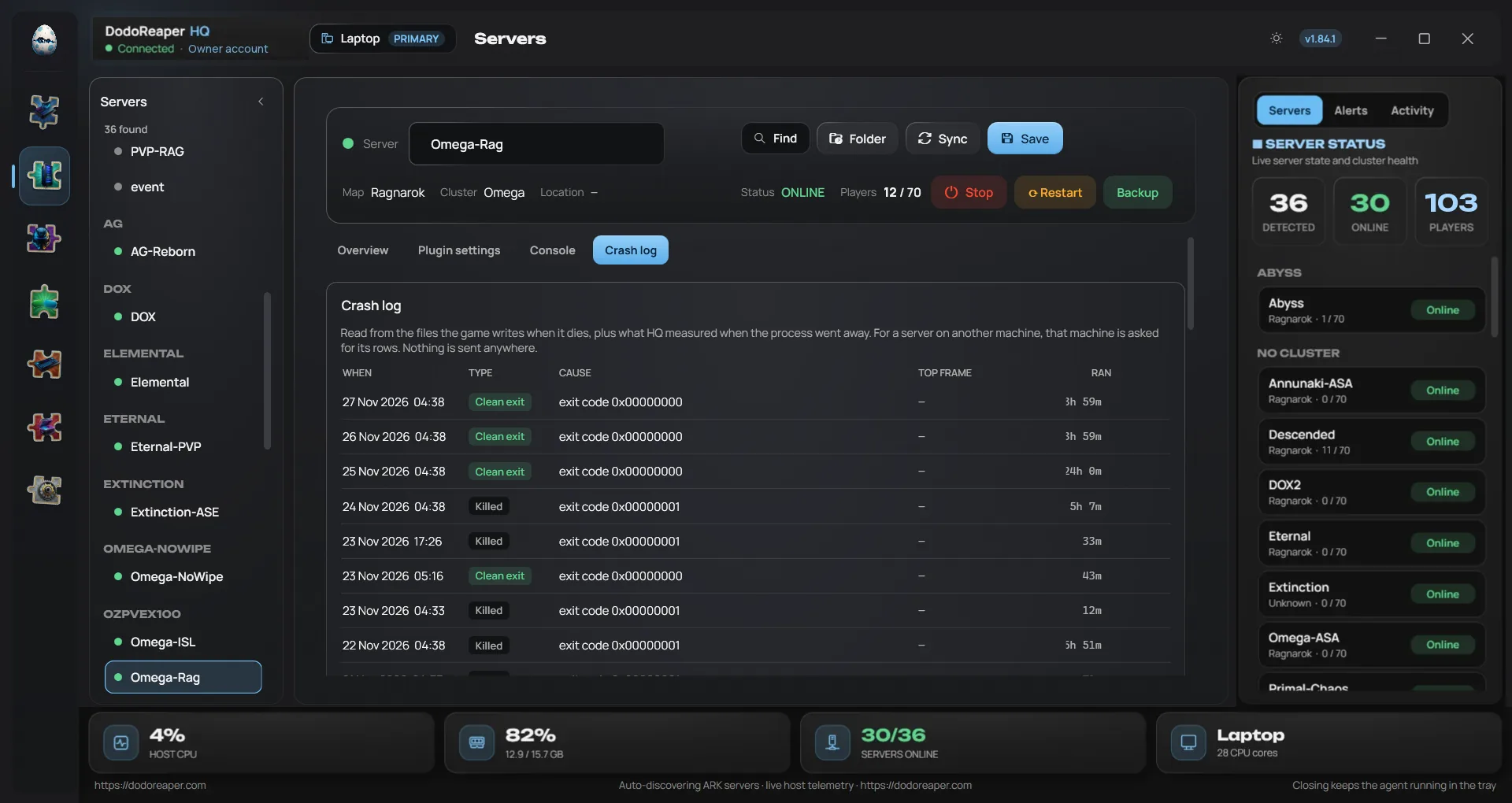
Every time this server went down: when, the type (a clean exit or a kill), the cause the game recorded, the top frame of the crash when there is one, and how long the server had been running. It is read from the files the game writes when it stops, plus what HQ measured when the process went away.
The same servers appear on the dashboard's Servers page, where you set each one's connection and type.