
Your community website
· Hosting dashboardYour community website is your own site on a dodoreaper.com address, or on your own domain. These pages shape it.
Appearance
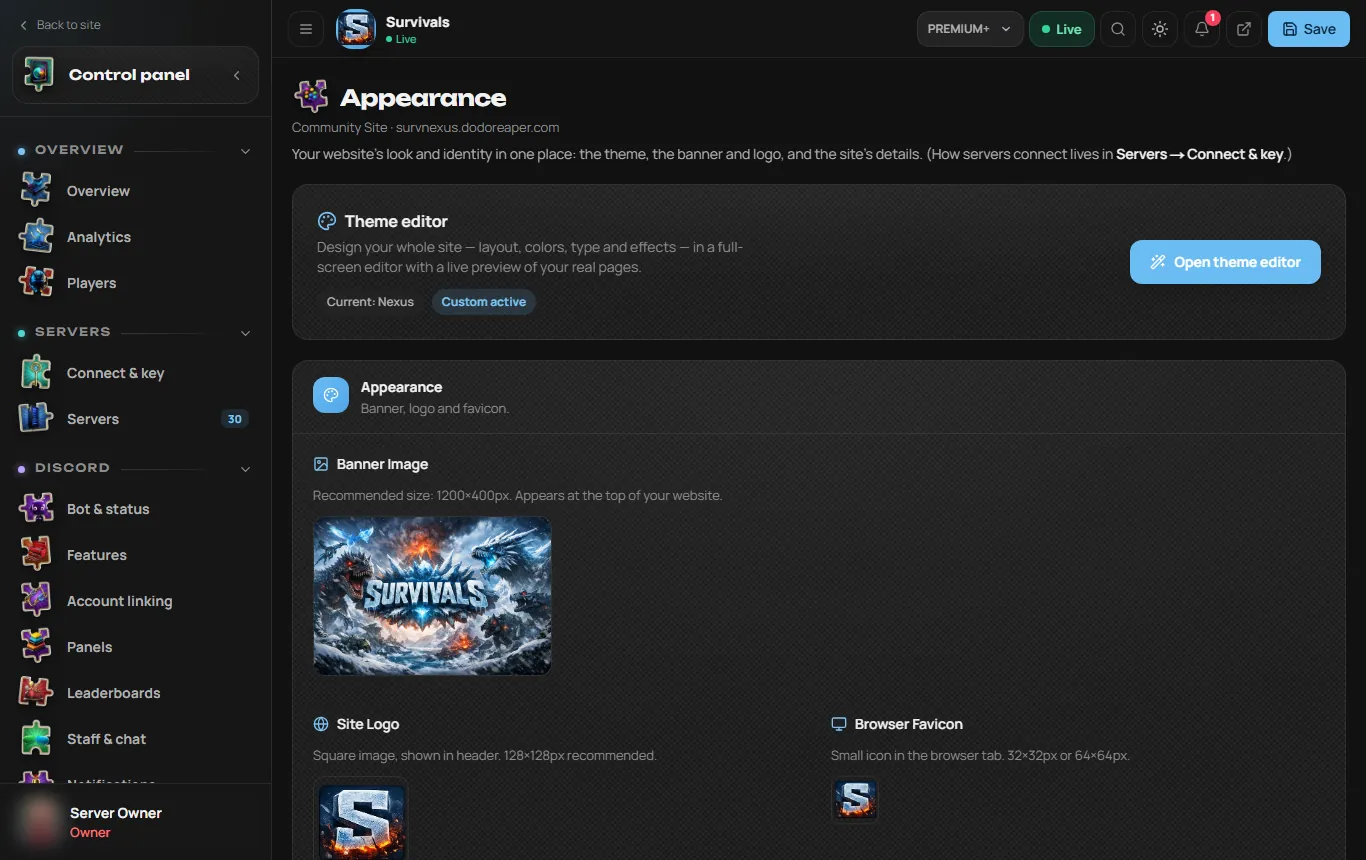
- Theme editor: design the whole site in a full-screen editor with a live preview of your real pages.
- Banner (1200×400 recommended), site logo (128×128) and browser favicon (32×32 or 64×64).
- Site identity: the site's name, a tagline, your Discord invite link (a Join Discord button on the home page and in the footer) and a contact email for the footer.
The theme editor
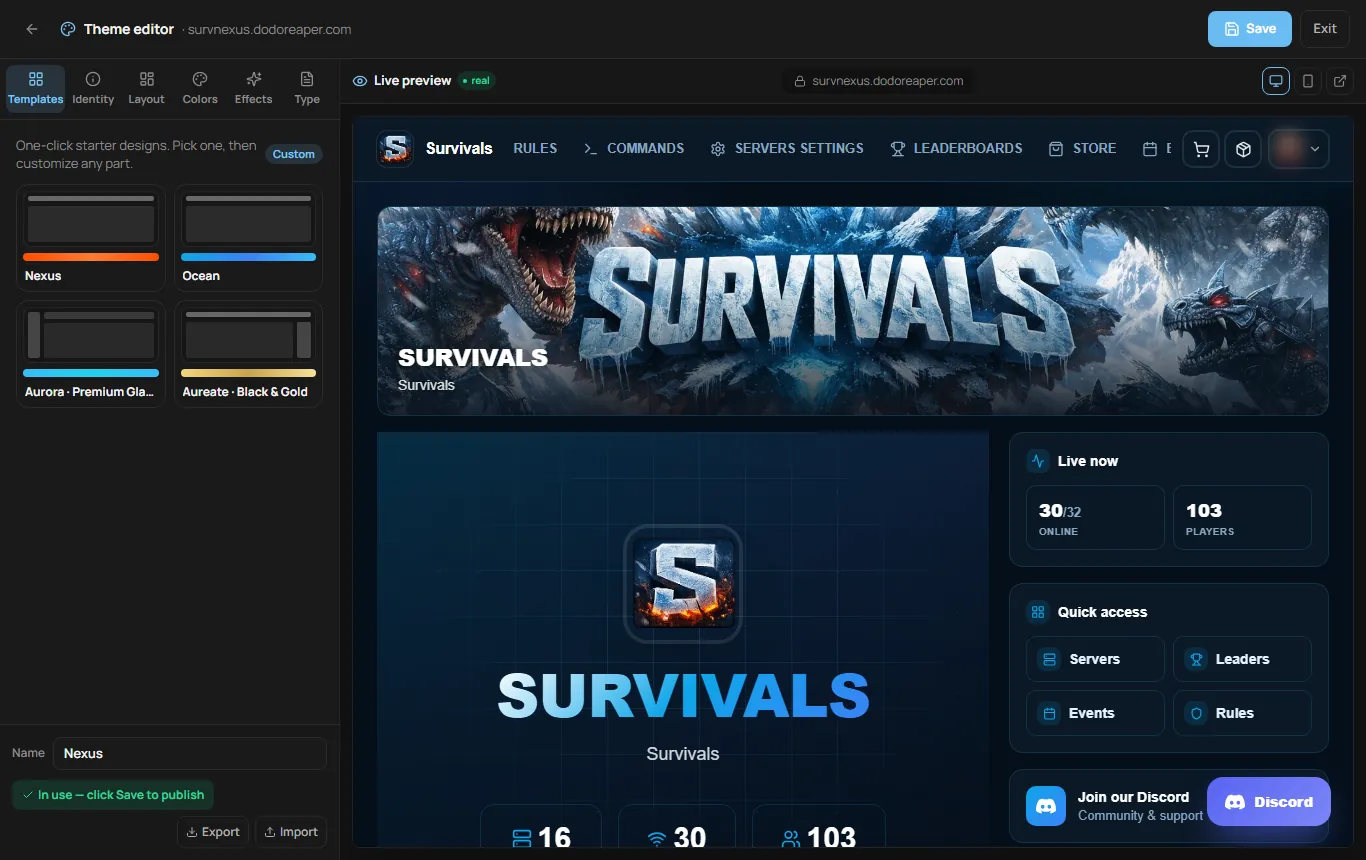
Tabs on the left: Templates (one-click starting designs: Nexus, Ocean, Aurora and Aureate, which you then change), Identity, Layout, Colors, Effects and Type. The preview on the right is your real site, on a computer or a phone. Export and Import move a design between sites; Save publishes it and Exit leaves.
Pages
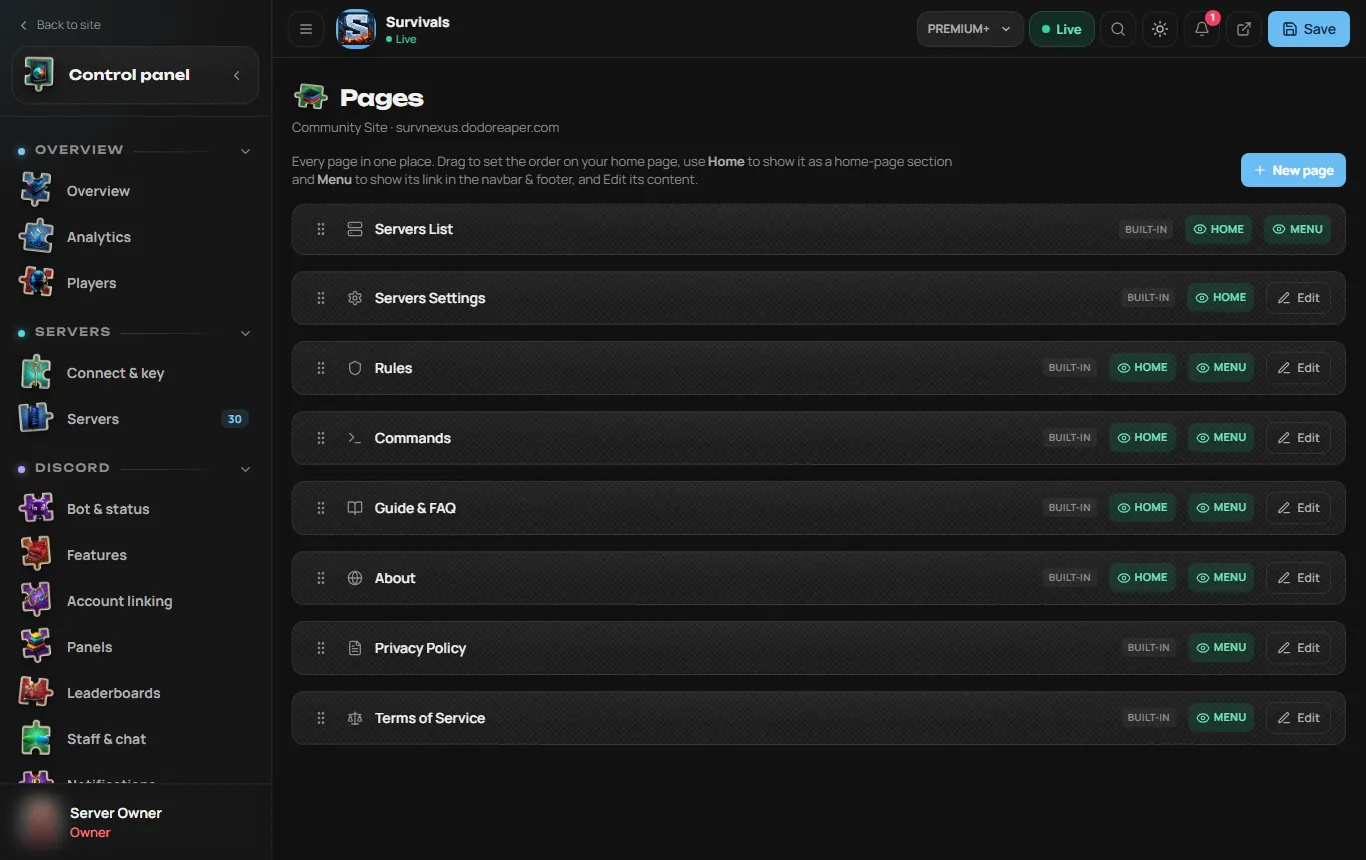
Every page in one list. Drag to set the order on your home page; Home shows a page as a section of the home page, Menu shows its link in the navbar and footer, and Edit changes its content. The built-in pages are the servers list, server settings, rules, commands, guide & FAQ, about, privacy policy and terms of service. New page adds one of your own.
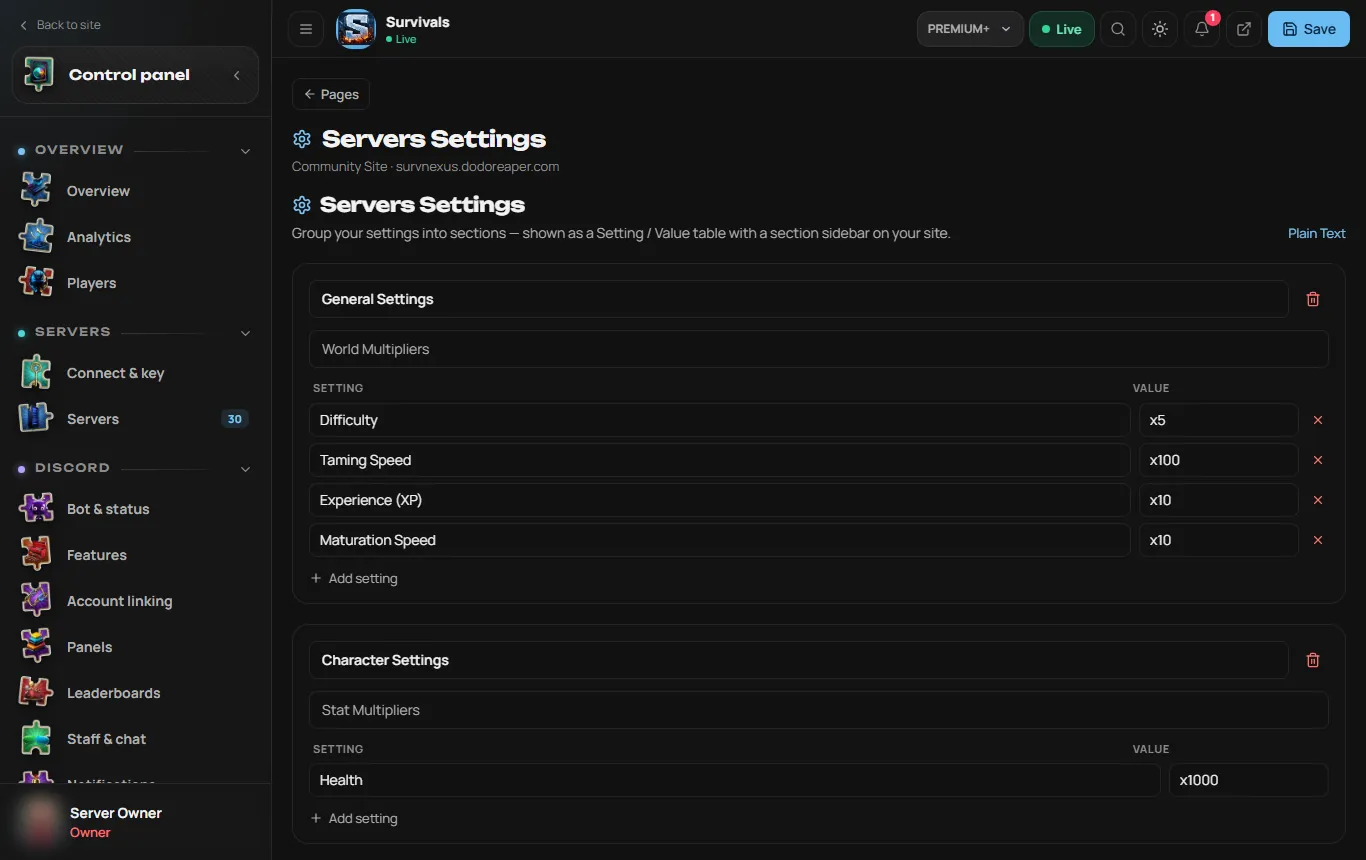
The picture shows Servers Settings being edited: settings grouped into sections, each with its rows of setting and value, shown on your site as a table with a section list. Plain Text switches to a page of free text.
Events
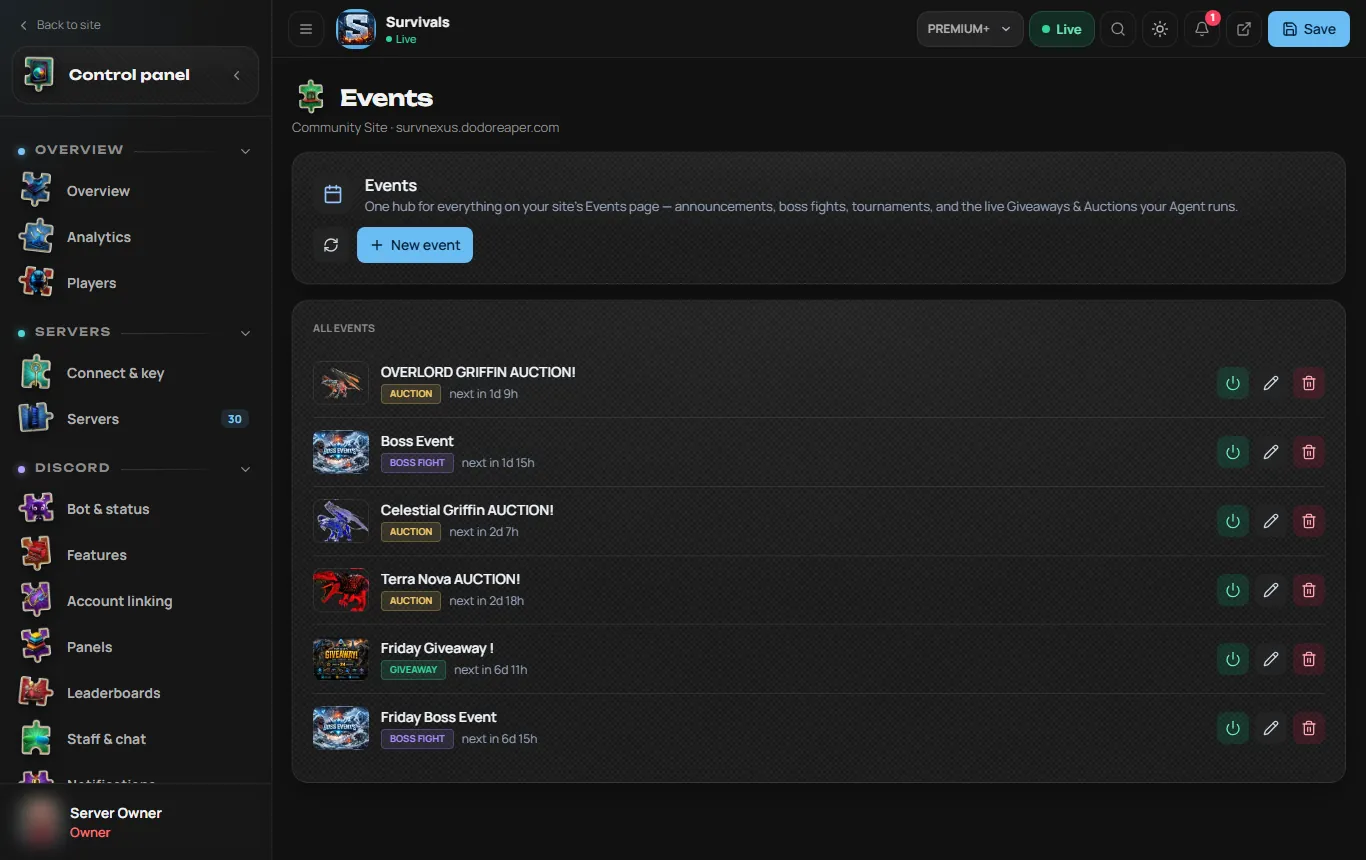
One place for your site's Events page: announcements, boss fights, tournaments, and the live giveaways and auctions that DodoReaper HQ runs. Each event shows when it runs next, and can be switched off, edited or deleted.
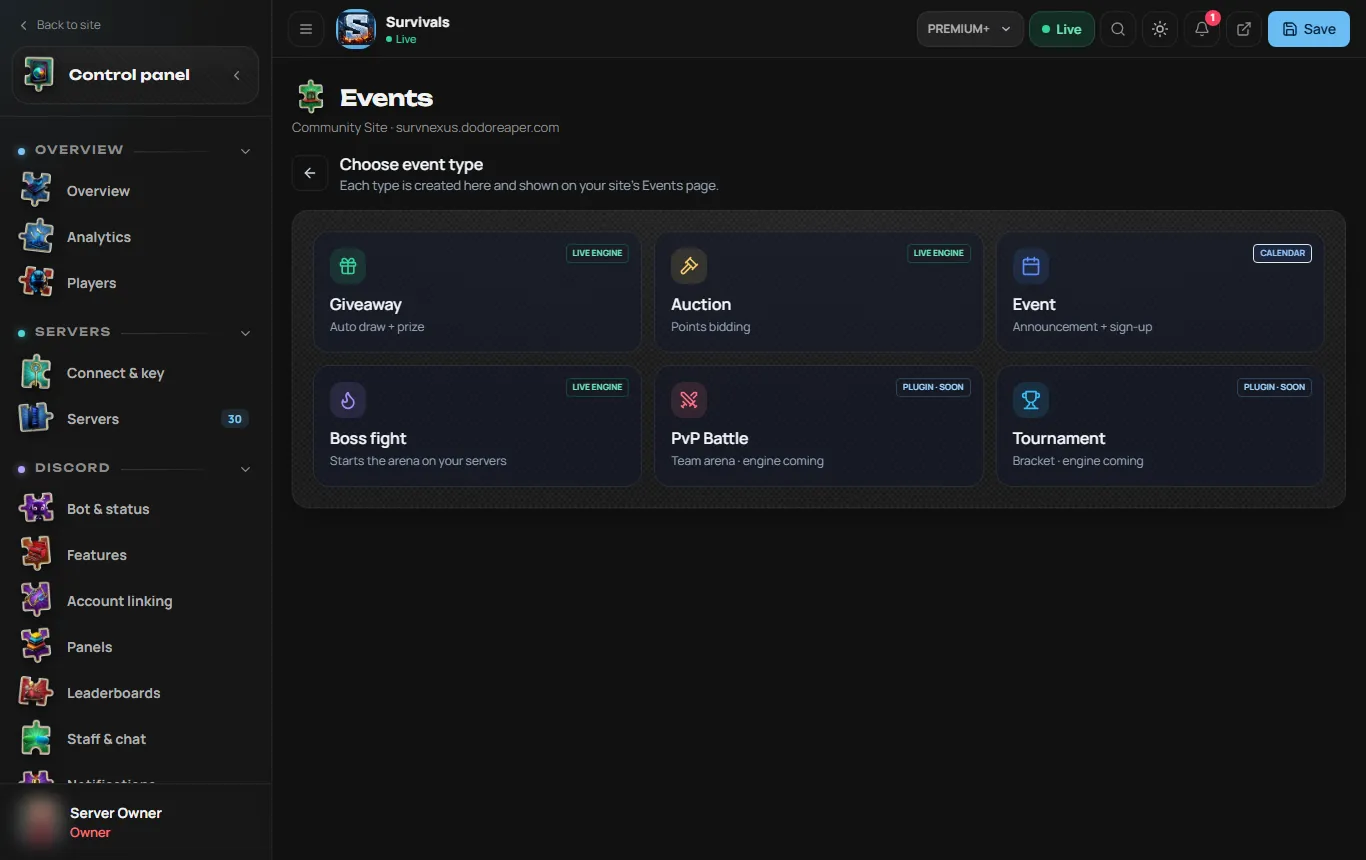
New event asks for the type: a Giveaway (an automatic draw with a prize), an Auction (bidding with points), an Event (an announcement with sign-up), or a Boss fight (starts the DrEvents arena on your servers). PvP battles and tournaments are marked as coming. How giveaways and auctions look in your Discord: Community and events.
Support
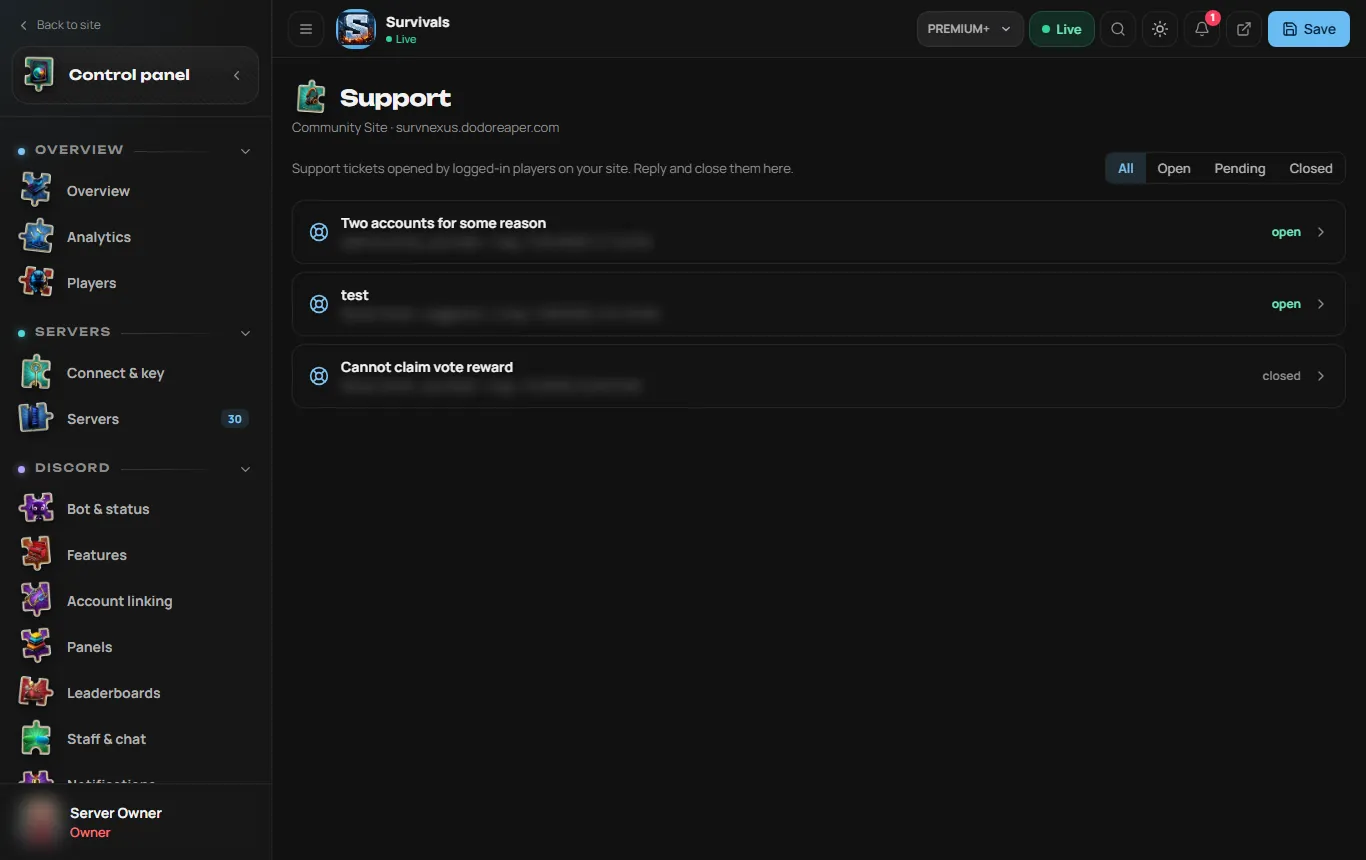
Support tickets opened by signed-in players on your site, filtered by open, pending and closed. Open a ticket to reply to it and close it.